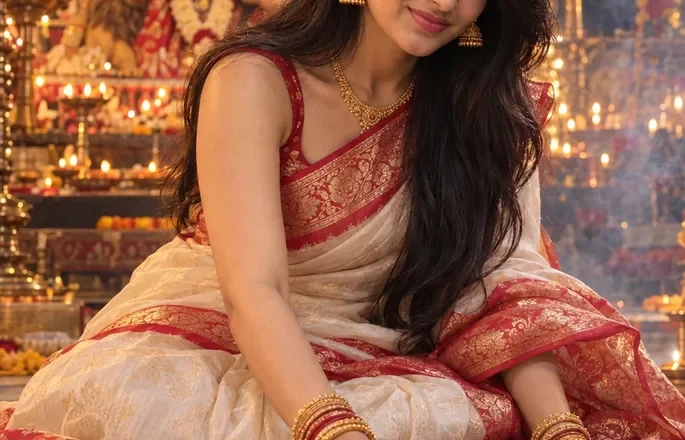
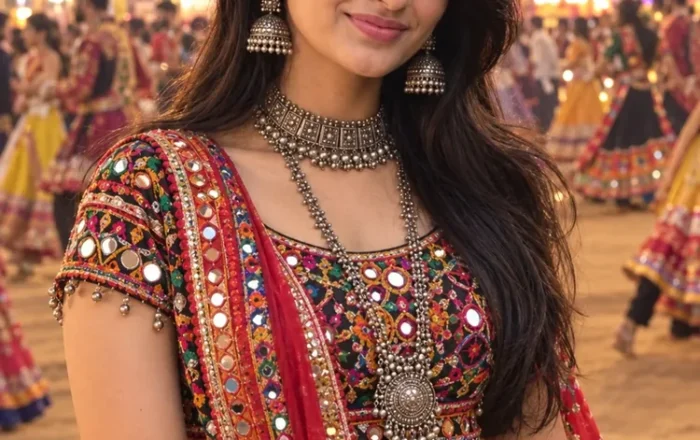
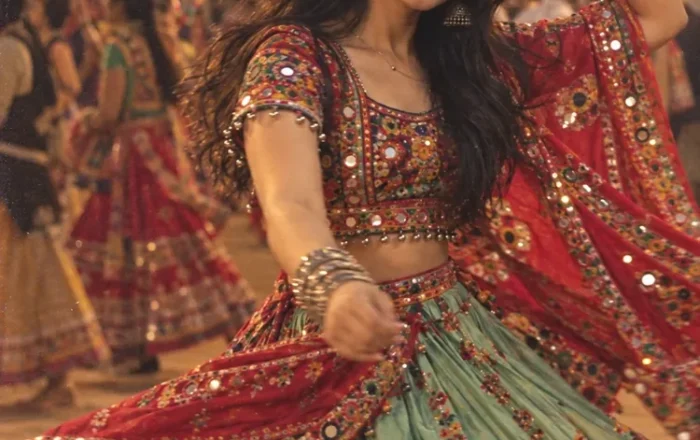
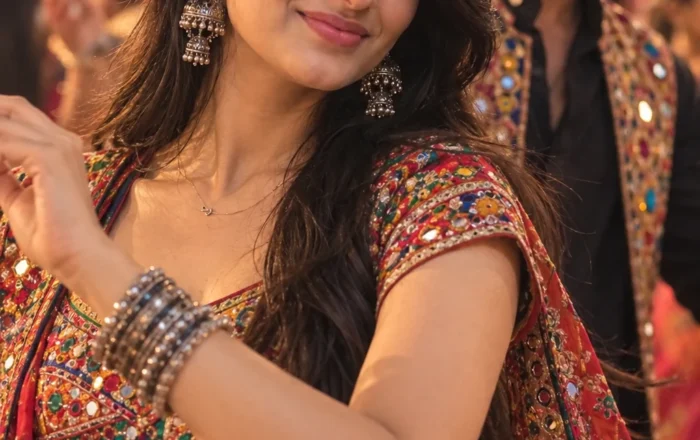
Generate an ultra-realistic 8K portrait (9:16 ratio) of the same woman, keeping her face exactly identical to the reference image (100% match, natural skin texture, lifelike expression). She is dressed in a traditional red saree with golden borders, standing on a balcony at night while gently holding a glowing diya in her hands. Warm yellow and orange light softly illuminates her face, with twinkling fairy lights in the background. Her jewelry glimmers subtly, her hair is neatly styled, and the overall scene has a cinematic, festive, and completely realistic atmosphere.
Diwali Night Diya in Hands AI Photo Prompt for Girls
A glowing diya, a beautiful festive outfit, and the soft light of a Diwali evening can make a simple portrait feel special. The Diwali Night Diya in Hands AI Photo Prompt for Girls is perfect for creating a traditional Indian festival photo with a warm, natural atmosphere. Instead of a heavily edited studio look, this style focuses on the small details that make Diwali photography beautiful: the gentle glow of the flame, the expression on your face, and the festive lights in the background.
Whether you want a new Instagram photo or a festive WhatsApp display picture, this prompt can help you create a personalized portrait using an AI image generator.
What Makes This Diya Photo Look Special?
The main feature of this photo is a traditional clay diya held gently in both hands. Its warm flame illuminates the fingers and creates subtle golden highlights on the face. The background shows a Diwali night setting with softly glowing lights, a few additional diyas, and understated festive decorations.
A traditional outfit completes the look. You could wear a saree, an embroidered suit, or a simple ethnic dress, depending on the style you prefer. The focus remains on the diya and your expression rather than excessive decorations.
For a more photographic result, the scene should include realistic skin texture, natural fabric folds, soft shadows, and a background that is slightly out of focus. These details help the final image feel like a genuine festive portrait rather than an artificial illustration.
How to Use the Diwali Night Diya in Hands AI Photo Prompt
You can create your own version of this portrait in a few simple steps.
- Copy the full AI photo prompt from this page.
- Open ChatGPT or another image generator that supports photo uploads.
- Upload a clear photo of yourself if you want to create a personalized portrait.
- Paste the prompt and generate the image.
- Check the diya, hand position, outfit, and facial details.
- If something looks unnatural, adjust the relevant instruction and try again.
A photo with your face clearly visible is a good starting point. If you want the AI to retain your appearance, explicitly ask it to preserve your original facial features and skin tone.
Tips for a Beautiful Diwali Diya Portrait
Get the Flame Lighting Right
The diya should be the main light source near your hands, with a gentle golden glow falling across your face. Ask for realistic highlights and soft shadows instead of an exaggerated halo around the flame. This makes the lighting feel more natural and adds depth to the portrait.
Choose an Outfit That Complements the Scene
A red, maroon, cream, or pastel saree can work beautifully with warm diya light. You can also choose a traditional salwar suit or an embroidered ethnic outfit. Small details such as earrings, bangles, or a delicate necklace can complete the look without distracting from the main subject.
Make the Background Feel Like Diwali Night
A few glowing diyas, warm fairy lights, and subtle festive decorations are usually enough. A softly blurred background creates separation between you and the surroundings, while still making the Diwali setting recognizable.
Avoid asking for too many lights and decorations in the same frame. An overcrowded background can take attention away from the diya.
Pay Attention to Hand Position
Hands are an important part of this particular photo because they hold the diya. Ask for both hands to be positioned naturally beneath or around the clay lamp, with realistic fingers and a comfortable grip. AI-generated images can sometimes produce incorrect hand details, so inspect this area carefully.
Keep Your Face Looking Natural
If you are working from your own photo, use a clear instruction to retain your recognizable facial features, hairstyle, and natural expression. Avoid excessive skin smoothing if you want the portrait to resemble a real photograph. Results can vary depending on the image generator.
Different Looks You Can Try
You do not have to use the same style every time. A few small changes can create a noticeably different portrait.
- Traditional saree look: Pair a rich red or maroon saree with gold jewelry and a softly illuminated background.
- Minimal festive look: Wear a simple cream or pastel ethnic outfit with one diya as the main visual element.
- Cinematic night portrait: Use deeper shadows, warm highlights, and a dark background with a few distant lights.
- Candid Diwali moment: Look down at the diya with a gentle smile instead of facing the camera directly.
For Instagram feed posts, a vertical 4:5 composition works well. If you plan to use the image for Stories or Reels covers, choose a 9:16 frame.
Where Can You Use Your AI Diwali Photo?
Once you have a result you like, you can use it as an Instagram post, a WhatsApp display picture, a Facebook festive update, or a digital Diwali greeting. It can also be a nice addition to a personal collection of festival portraits.
If you are creating images for social media, choose a composition that keeps your face and the diya visible even when the platform crops the image into a smaller preview.
Create a Diwali Portrait That Feels Personal
The beauty of this photo idea comes from its simplicity. A small clay diya, natural hand positioning, traditional clothing, and warm evening light can communicate the spirit of Diwali without elaborate styling.
Try the Diwali Night Diya in Hands AI Photo Prompt for Girls to create a festive portrait that reflects your preferred outfit and photography style. Adjust the background and lighting to suit your taste, and keep the final image natural rather than overprocessed.
Read Also
- Durga Puja Prompt for Girls
- Navratri AI Photo Prompt for Girl
- Garba Dance AI Photo Prompt for Girl
- Navratri Garba Girl Colorful Chaniya Choli Dandiya
- Navratri Garba Girl Playing Dandiya at Night
- Navratri Dandiya Girl Colorful Lehenga Portrait
- Navratri Garba Girl Traditional Lehenga at Temple
- Navratri Garba Man Traditional Kurta Portrait
- Navratri Garba Couple Playing Dandiya
- Navratri Garba Couple Pink Outfit Dandiya