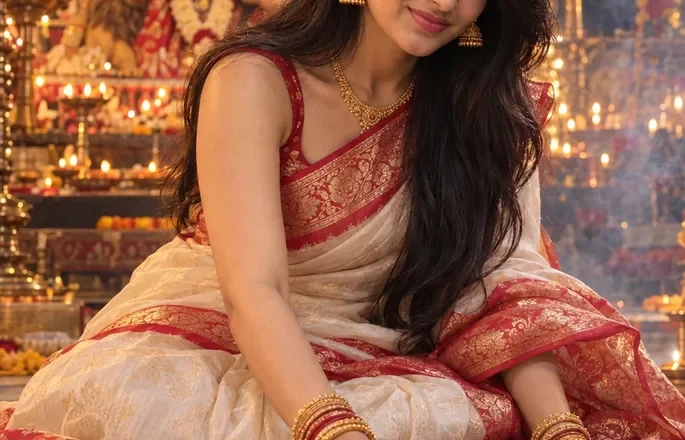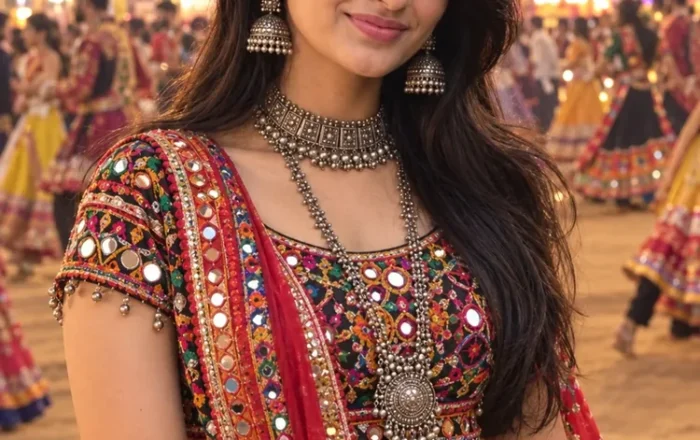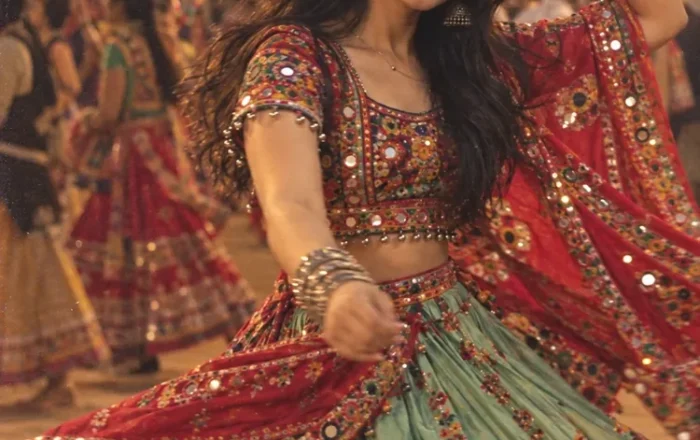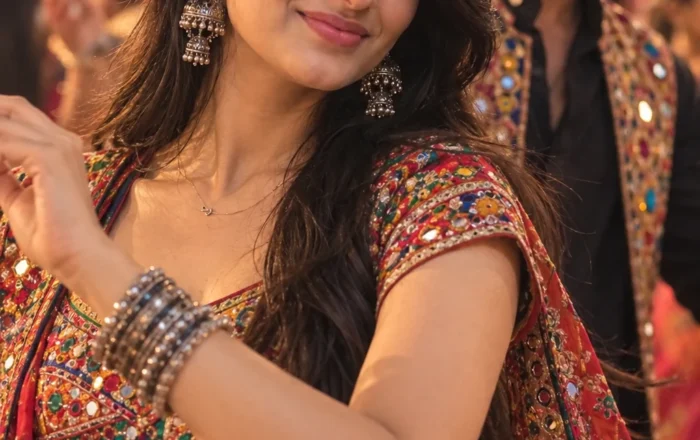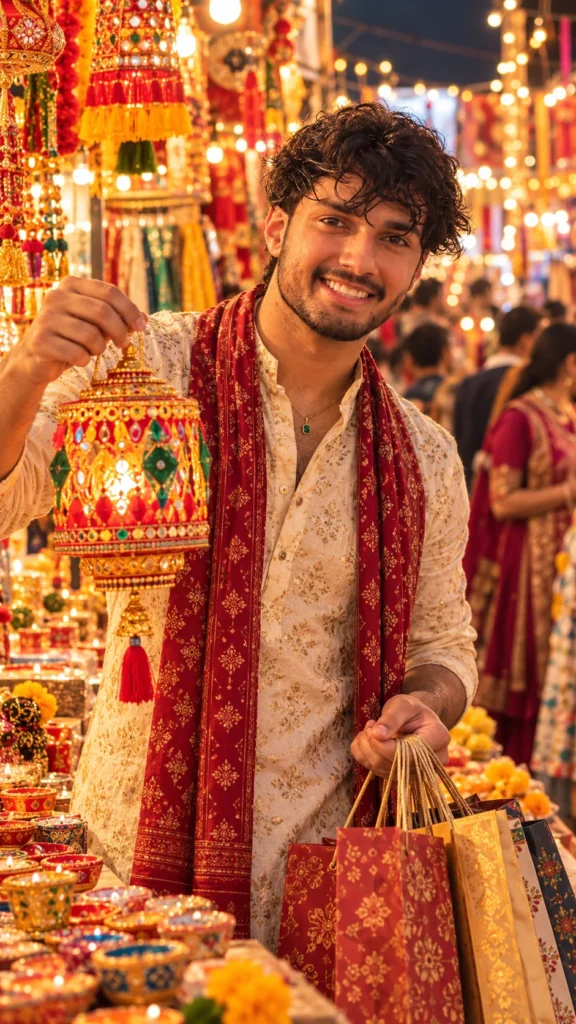
Ultra-realistic festive portrait of [uploaded person/people], enjoying Diwali shopping at a traditional Indian market or bazaar. They are dressed in festive casual or ethnic attire, surrounded by stalls displaying colorful clothes, jewelry, diyas, lanterns, sweets, and decorations. The scene is lively, filled with warm golden lights, bustling shoppers, and vibrant festive energy. Captured in cinematic tones with high-resolution clarity, natural skin tones, and richly detailed festive elements.
Negative Prompt: Blurry or distorted faces, duplicate figures, cartoonish appearance, watermarks, text, cropped elements, plastic-like skin, low detail.
Diwali Market Shopping AI Photo Prompt for Boys
Diwali markets are full of colorful decorations, glowing lights, traditional outfits, and festive shopping moments. With a Diwali Market Shopping AI Photo Prompt for Boys, you can turn an ordinary portrait into a stylish festive photo featuring a lively Indian market, warm evening lighting, and a natural shopping vibe.
This prompt is ideal for boys who want a realistic Diwali-themed photo for Instagram, WhatsApp, or Facebook without arranging a professional photoshoot. You can create a modern festive look while keeping the atmosphere authentic to an Indian Diwali celebration.
What This Diwali Shopping AI Photo Prompt Creates
The prompt places the subject in a bustling Indian market decorated for Diwali. Colorful stalls display lanterns, clay diyas, decorative lights, and festive accessories, while warm fairy lights illuminate the street in the background.
The boy wears a stylish traditional or Indo-western outfit, such as a well-fitted kurta with trousers or a kurta paired with a Nehru jacket. The scene captures a relaxed shopping moment, with the subject browsing decorations, holding a festive shopping bag, or walking past beautifully decorated stalls.
Soft golden lighting, realistic clothing textures, and a gently blurred background help create the appearance of a professionally photographed festival portrait. The final look can be adjusted to suit a casual, traditional, or cinematic style.
How to Use the Diwali Market Shopping AI Photo Prompt
Follow these steps to create your festive shopping portrait:
- Copy the complete AI photo prompt available on this page.
- Open ChatGPT or another AI image generator that supports photo uploads.
- Upload a clear photo of yourself if you want a personalized result.
- Paste the prompt into the chat or image-generation box.
- Generate the image and review the outfit, pose, lighting, and market details.
- If the result does not match your idea, adjust a few details and generate another version.
For better results, use a clear reference photo with your face visible and avoid heavily filtered images.
Tips for Creating a Realistic Diwali Market Photo
Choose the Right Festive Outfit
Traditional clothing works especially well for Diwali portraits. A cream kurta, black kurta, pastel-colored outfit, or dark blue kurta can create different moods. For a more polished appearance, add a subtle Nehru jacket or traditional footwear.
If you prefer a casual look, try a smart shirt with trousers. The important thing is to choose clothing that fits the market setting rather than making the image look like a studio fashion shoot.
Make the Diwali Market Look Authentic
Ask the AI to include traditional clay diyas, colorful lanterns, marigold garlands, decorative lights, and small festival stalls. These details help establish the Diwali atmosphere without overcrowding the frame.
A few softly blurred shoppers in the distance can make the market feel lively while keeping the main subject clearly visible.
Use Natural Evening Lighting
Warm golden lights work beautifully in a Diwali market setting. Soft illumination from shopfronts and decorative lamps can create realistic highlights on the face and clothing.
For a cinematic look, ask for a shallow depth of field and a softly blurred background. For a more natural photograph, keep the lighting balanced and avoid excessive glow or artificial skin smoothing.
Pick a Natural Shopping Pose
Instead of always standing directly in front of the camera, try a candid pose. You could be examining a decorative lantern, choosing a clay diya, carrying shopping bags, or walking through the market.
These small details give the image a clear story and make it feel more like a real festive moment.
Keep Your Facial Features Consistent
If you are using your own picture, include an instruction such as “preserve my original facial features, hairstyle, and natural skin tone.” This can help guide the image generator, although exact facial likeness is not guaranteed.
Best Ways to Use Your Diwali Shopping Photo
A well-created festive portrait can be used in several ways:
- Instagram: Share a traditional outfit photo or a festive shopping post.
- WhatsApp: Use it as a Diwali display picture.
- Facebook: Post a seasonal photo with a Diwali greeting.
- Reels and Stories: Use a vertical image as a cover or background.
- Digital greetings: Create a personalized image to share with friends and family.
For Instagram feed posts, a vertical 4:5 composition is a useful choice. A 9:16 frame works better for Stories and Reels covers.
Customize Your Diwali Market Shopping Portrait
You can change the outfit, market setting, and photography style to create a more personal result. A traditional Indian bazaar gives the image a cultural feel, while a modern shopping street with festive lights creates a more contemporary appearance.
You can also experiment with different color combinations. A cream kurta against warm golden lights creates a classic festive look, while a black outfit against colorful decorations gives the image more contrast.
For a candid style, ask the AI to capture you looking at decorations rather than directly at the camera. For a profile picture, a closer portrait with softly illuminated market lights in the background may work better.
Make small changes one at a time so you can identify which details improve the final image.
Create Your Diwali Market Photo with AI
A festive Indian market, traditional clothing, and warm decorative lights can turn a simple portrait into an engaging Diwali shopping photo. The best results come from describing the setting, outfit, pose, and lighting clearly while keeping the overall scene realistic.
Try the Diwali Market Shopping AI Photo Prompt for Boys to create a personalized festive portrait for your social media profiles and Diwali celebrations.
Read Also
- Durga Puja Prompt for Girls
- Navratri AI Photo Prompt for Girl
- Garba Dance AI Photo Prompt for Girl
- Navratri Garba Girl Colorful Chaniya Choli Dandiya
- Navratri Garba Girl Playing Dandiya at Night
- Navratri Dandiya Girl Colorful Lehenga Portrait
- Navratri Garba Girl Traditional Lehenga at Temple
- Navratri Garba Man Traditional Kurta Portrait
- Navratri Garba Couple Playing Dandiya
- Navratri Garba Couple Pink Outfit Dandiya